2 MIN READOCT 02, 2026NASA HeadquartersXfin◔
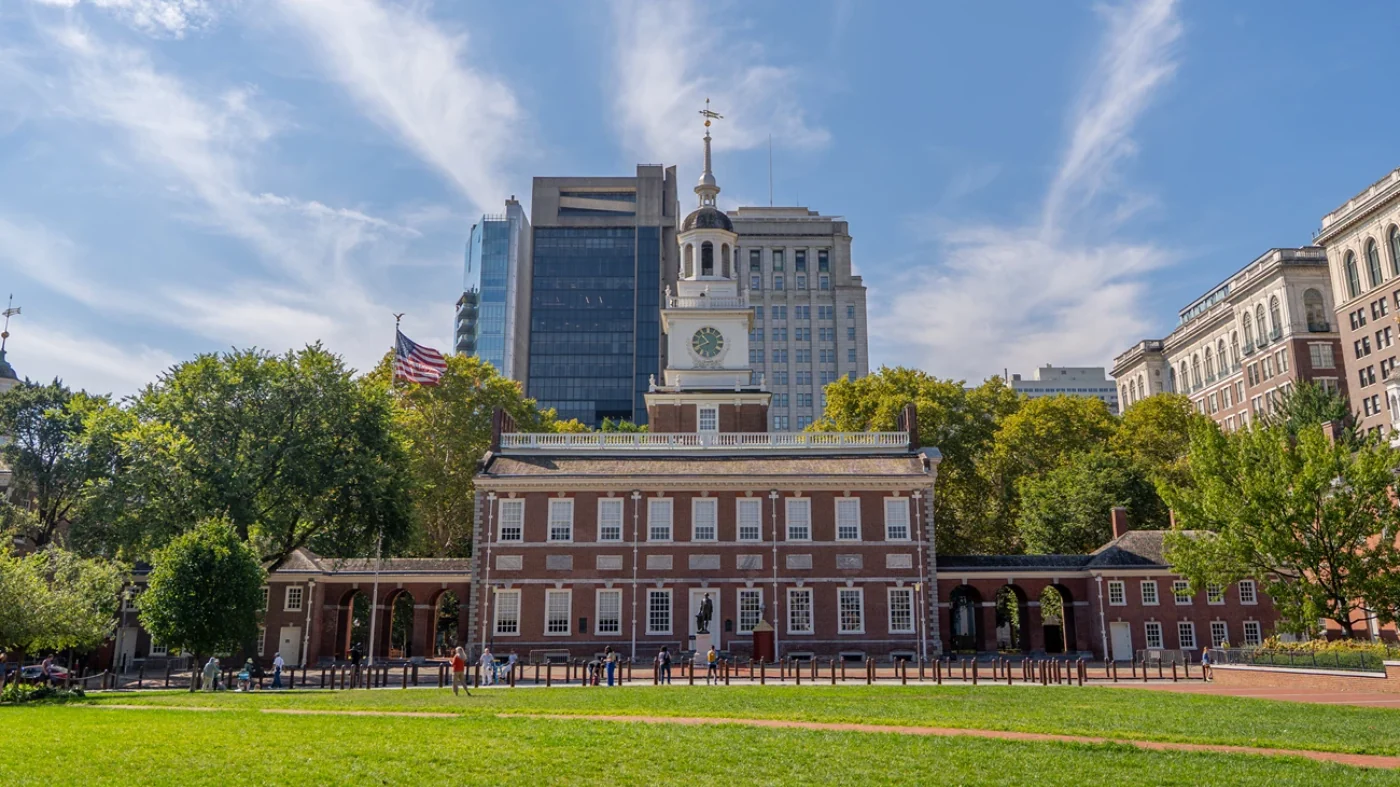
 NASA Astronaut Christina Koch to Join NFL Fansin PhiladelphiaJessica TaveauMEDIA ADVISORYM26-072
A hyperlink connects a reader to another document or to a particular place within one. In , a link can be attached to words, images, or other elements. Its visible label is called . Following a link in a lets a reader move between related sources.
On the World Wide Web, links bring together articles, references, and other resources. They make each page part of a larger story.

Hypertext is text with references (hyperlinks) to other text that the reader can immediately access.
A link connects a passage to another document or to a specific location within it. The words that form the link help a reader understand where it leads.
Readers can follow a reference to find a definition, explore related ideas, or return to an original source. In a browser, a linked document can open in its own tab.
Documents become easier to explore when their connections remain available. A saved page and its references can be read together, with each link providing a path to more context.

Keep the links in your screenshots
Browser extension for Chrome
Keep the links in your webpage captures. Organize them in your local library, then deep search, revisit, share or export them anytime.
Sample pages are recreations of public pages, used under their licenses: NASA (public domain) · The Met (CC0) · Rijksmuseum (public domain) · PLOS One (CC BY 4.0) · NPS (public domain) · Wikipedia (CC BY-SA 4.0).
Capture what you need, mark it up and keep it in your local library. Organize captures your way and find them with deep search. Share a capture as a temporary link or a linked PDF, and export or import your whole library as a backup.
Choose a region, the visible browser area or a full page, collect what you need, and keep the page’s links in the capture.
Keep the links in your screenshotsA hyperlink connects a reader to another document or to a particular place within one.
In hypertext, a link can be attached to words, images, or other elements.
The visible label of a link is called anchor text. Following a link in a browser opens a related source.
Definitions, articles and references can be connected through links. Each page offers a path to another idea.
A saved page is easier to revisit when its original links remain available alongside the image.
A link can lead to another article, a file, or a specific section within a longer document. Its destination URL keeps that connection explicit.
Follow a definition to understand a term, then return to the original article. References and related pages let a reader explore an idea from several directions.
A long article may contain context well below the first screen. Keeping the complete page preserves the introduction, supporting details and references together.
Continue with Hypertext, Anchor text and Web browser. Each source offers another path through the same topic.
End of sample article · en.wikipedia.org/wiki/Hyperlink
Mark up right on the capture. Box, point, write and blur, while its links stay in place.
Hyperlink - WikipediaA hyperlink connects a reader to another document. A link keeps its context when it travels with the page.
Read more about hypertext and how a web browser follows a reference.
Reviewed by Jordan Lee · jordan.lee@example.com
Every capture lands in a private library inside your browser. Sort captures into folders, mark favorites, choose from several sort orders and work on many at once.
Library6 captures
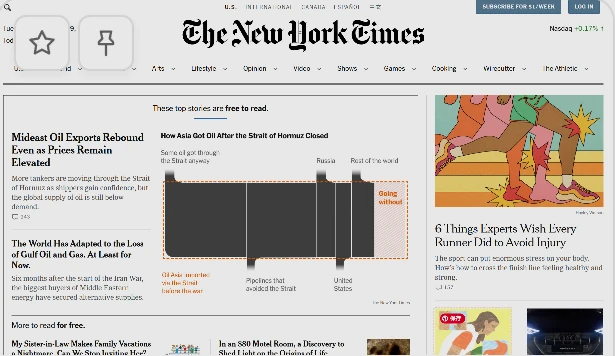

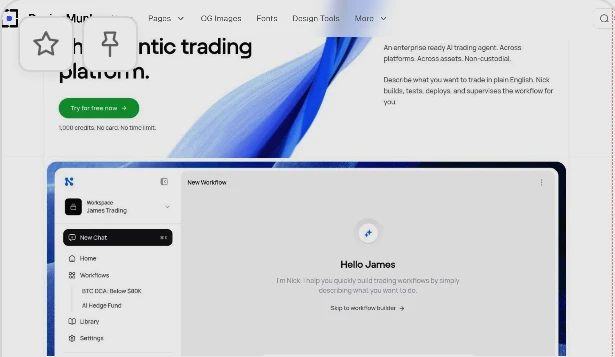
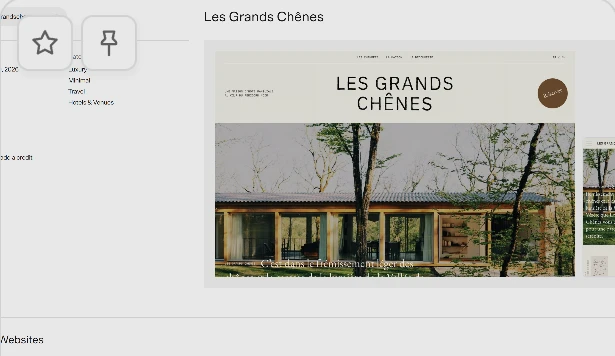
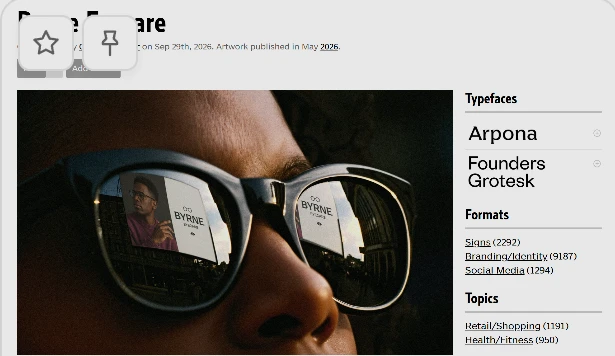
Linxshot searches the page text inside your captures. When the text in a capture, or part of a link’s address, matches what you type, it takes you straight to that spot on the image.
Library6 capturesSend the page and the way forward. Export your screenshot as a PDF with clickable link areas, so a reader can follow the references without installing Linxshot.
Screenshot previewA hyperlink lets a reader follow a reference to another document.
In hypertext, each connection leads to more context.
en.wikipedia.org/wiki/Hyperlink
Today
A hyperlink lets a reader follow a reference to another document.
In , each connection leads to more context.
The original references remain part of this document.
1Original page opened
A linked document gives the reader more context, and a way to keep exploring.
View capture · LinxshotLinks stay active for 24 hours after publishing. The exact expiry appears once created.
This capture has not been shared yet.
19 clickable links · Expires
Anyone with this link can view and forward it. A copy saved to your library remains available after this link expires.
Your collection travels together. Package captures and their link data into one .linxshot file, then import it into another Linxshot library to keep collecting.
PreferencesA page worth keeping.
Read the referenceA page worth keeping.
Read the referenceA page worth keeping.
Read the referenceA hyperlink connects a reader to another document.
Follow the reference
Read across pages and keep the context.
A hyperlink connects a reader to another document.
Follow the reference
Read across pages and keep the context.
A hyperlink connects a reader to another document.
Follow the reference
Read across pages and keep the context.
The everyday conveniences built into Linxshot.
Compare the core capabilities of Linxshot and traditional or system screenshot tools.
| Capability | Linxshot |
Standard screenshots |
|---|---|---|
Link hotspots mapped from the captured page |
||
Fully supportedLinks in the exported PDF stay clickable |
||
Many ways to organize; deep search of capture text |
||
| Copy text from a screenshot | Select and copyCopy page text precisely (Pro) |
Needs OCRText is only pixels |
Core features are free forever.Upgrade when you want deep search across your captures, copying text from captures, or unlimited linked PDF exports.
Doesn’t include possible future cloud services, such as cloud sync. Share-link limits follow the share service’s rules and may change.
| Feature | Free | Pro |
|---|---|---|
| Price | $0 | $19 one-time · launch price |
| Region, visible and full-page capture with links | Included | Included |
| Local library, unlimited captures and folders | Included | Included |
| Search by name, domain and links | Included | Included |
| Search the text inside captures | Last 5 days | All captures |
| Linked PDF exports | 3 a day | Unlimited |
| Manual PDF page breaks | Included | Included |
| Number, sticker and image annotations | Not included | Included |
| Select and copy text in captures | Not included | Included |
| Custom hotspot colors | Not included | Included |
| Library backups | Included | Included |
| Share links | 5 a day | 100 a day |
| Installations | No license needed | Up to 3 |
| Renewal | None | None, no subscription |
Pro is a single payment with no automatic renewal. Purchases aren’t open yet. When they open, orders will be processed by Creem, our merchant of record; taxes may be added at checkout depending on your location. Unhappy with Pro? Ask for a full refund within 14 days. Share-link limits follow the share service’s rules and may change.
Answers to common questions about Linxshot, clickable PDF exports, pricing and security.